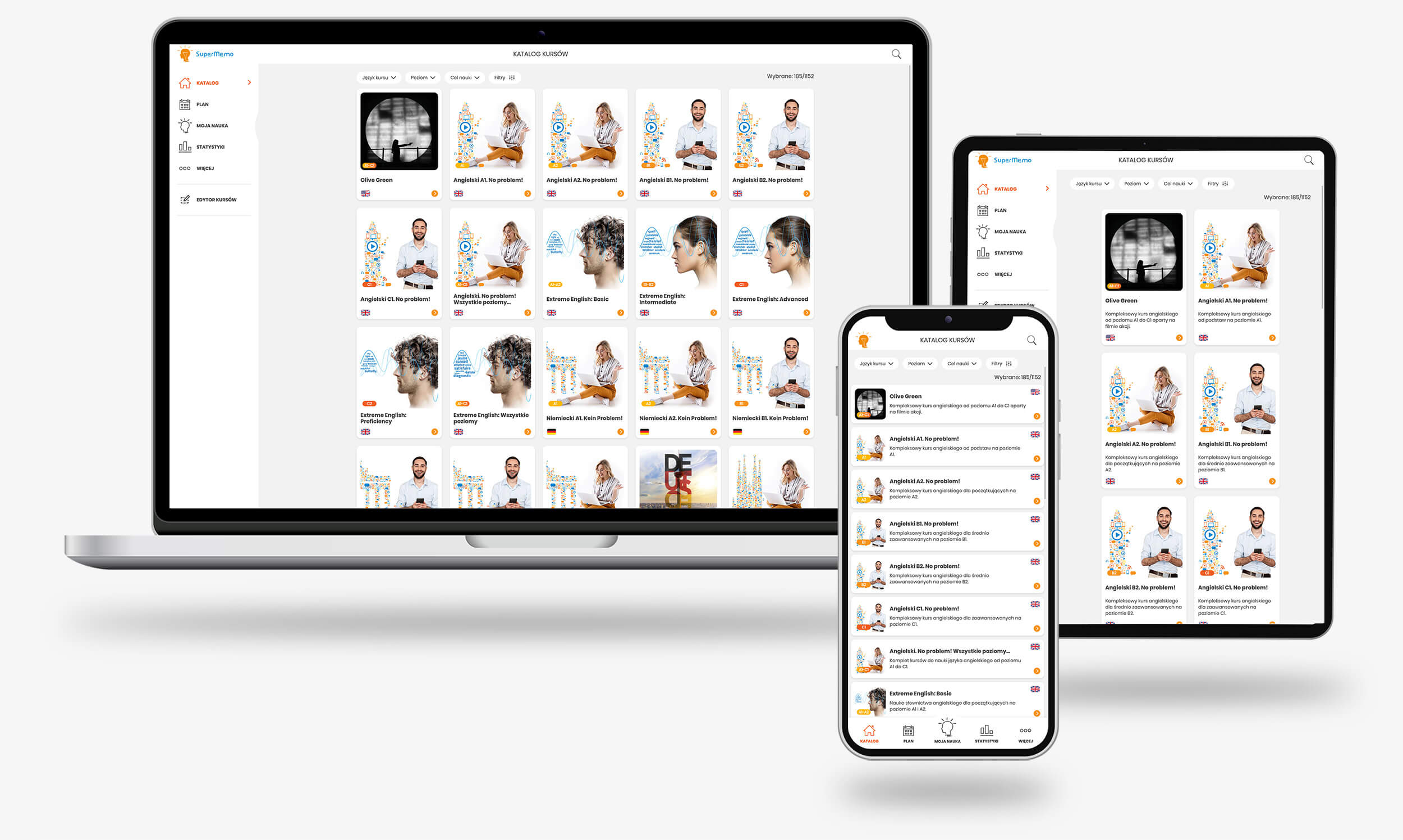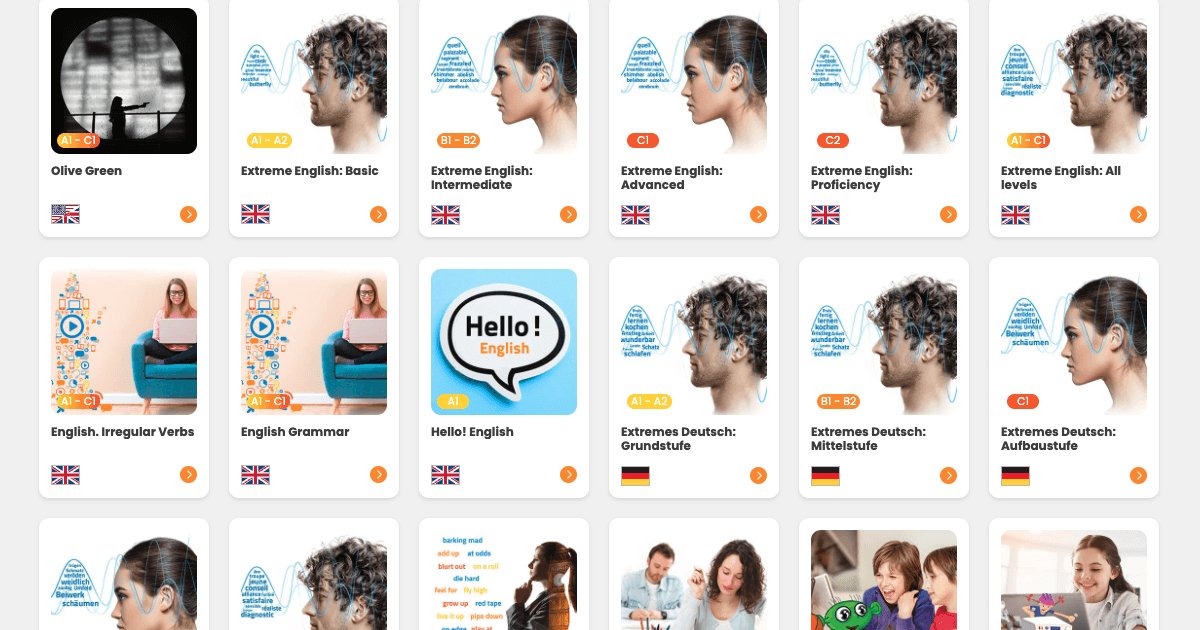
Choose from almost 300 high-quality courses to learn up to 25 foreign languages. You’ll find something for yourself regardless of your proficiency level and goal, whether it’s expanding your vocabulary or practicing grammar.
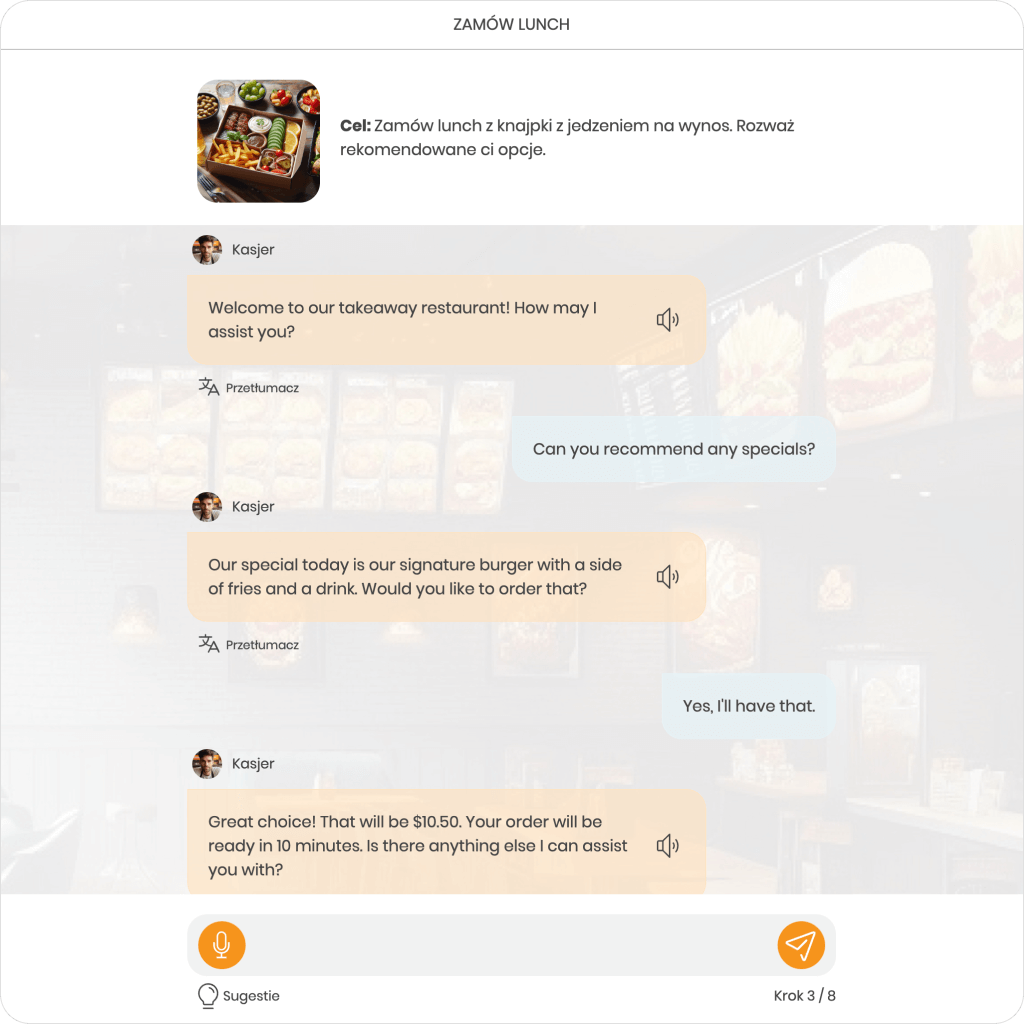
You can test the skills acquired during the courses in practice with MemoChat. Various conversation topics await you, which you’ll conduct with the help of AI. Suggestions for responses, instant translations, error correction, and adding MemoCards directly after the dialogue are just some of the features available in it.
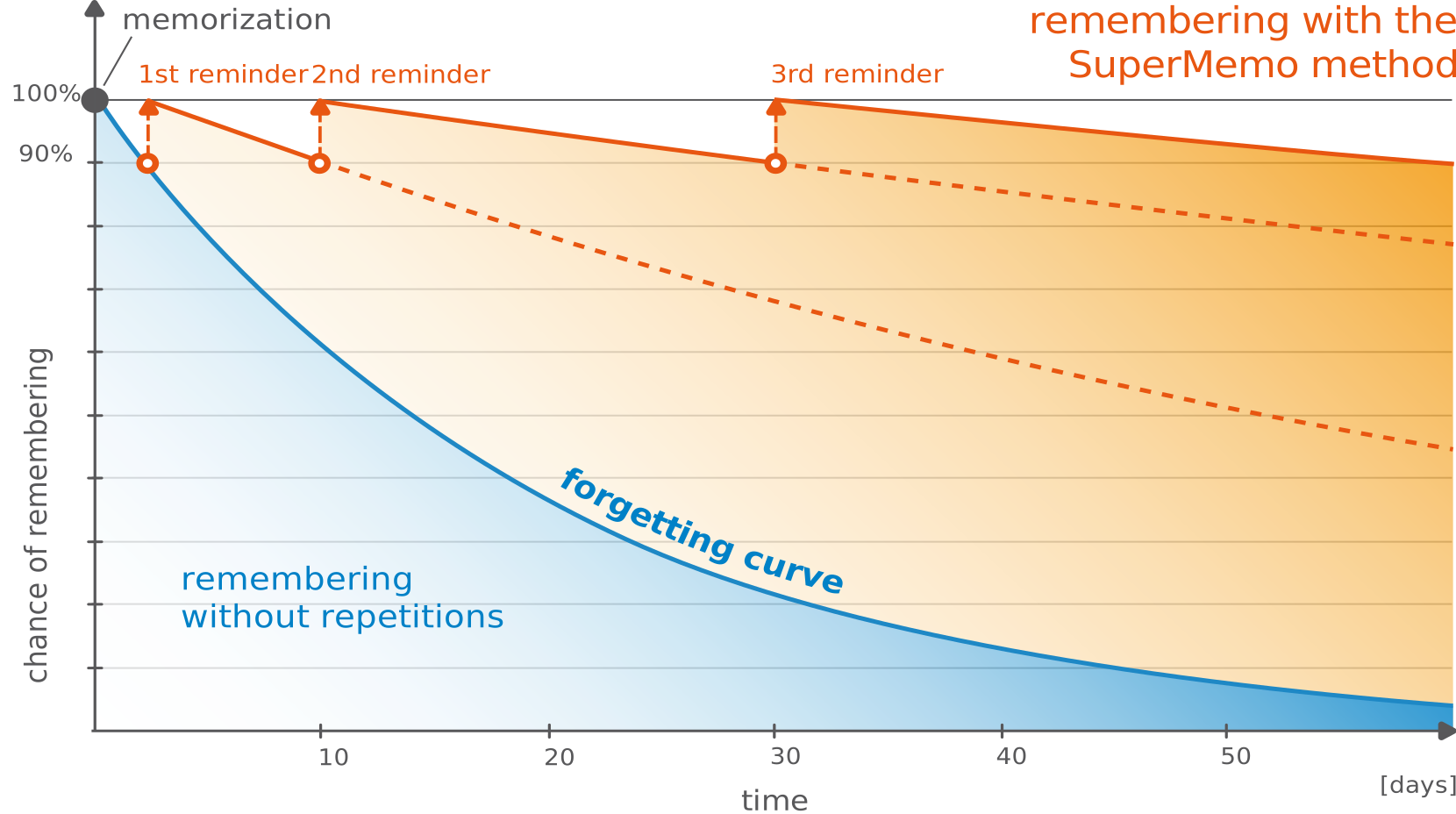
Check out our online language courses or create your own and share them with other users for free! Permanently memorize thousands of words, phrases, and rules using the globally acclaimed SuperMemo intelligent repetition method. If you have any doubts, an AI Assistant is there to help you with explanations, translations, or providing more examples.